How to Book Your Hair Appointment with the NOCO Go App
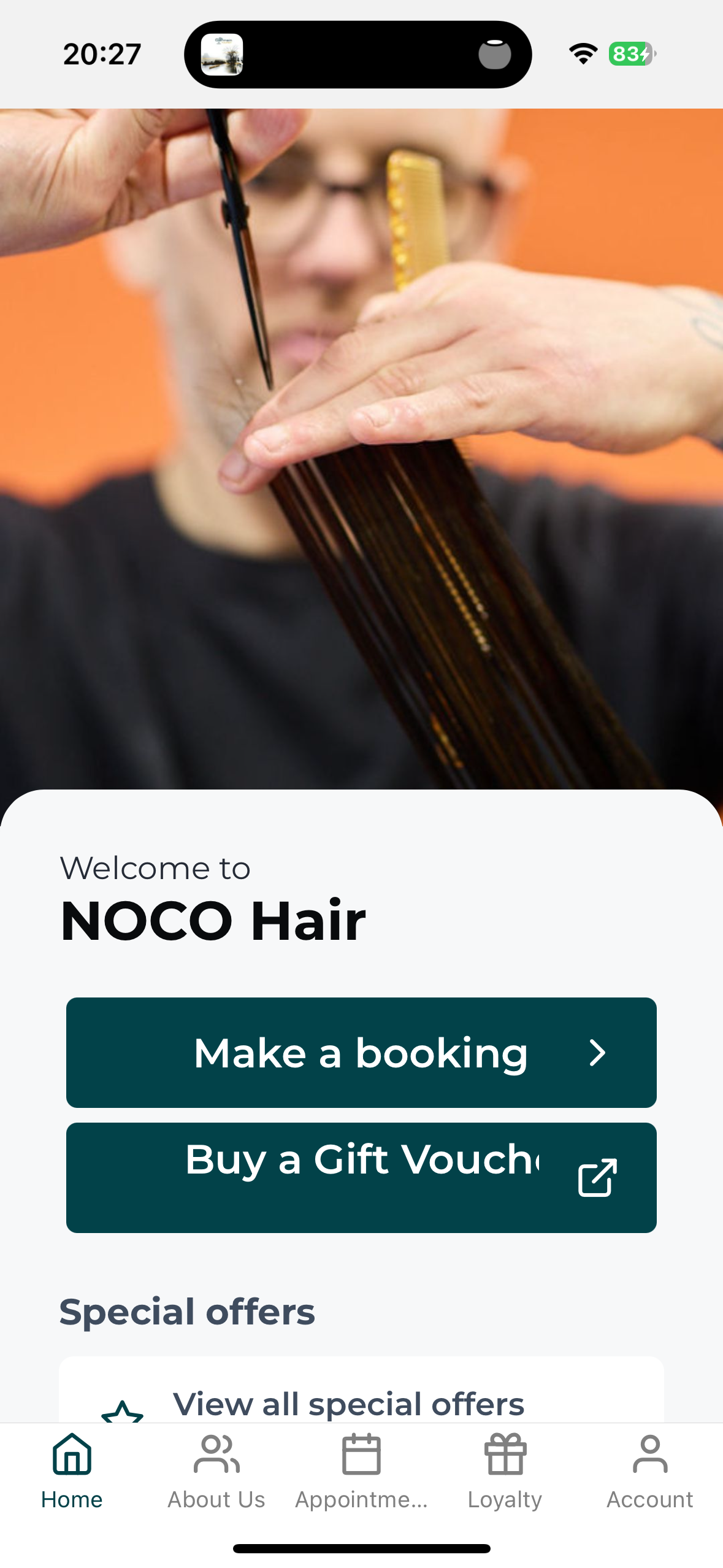
The NOCO Go app, our NOCO Hair booking app, lets you book, move or check your visit whenever it suits you, even at midnight when you suddenly remember. Two minutes of setup and you are away.
Step 1. Download the app
Search NOCO Hair in the App Store or Google Play and look for NOCO Go, or tap this link on your phone and it will take you to the right store automatically: Download the NOCO Go app.
Step 2. Get logged in. This is the bit that matters
Been to NOCO before? Your details are already in our system, so do not create a new account. Tap Forgot password, enter the email we have for you, and set your password. That is it, you are in.
New to NOCO? Tap Create account and you are away.
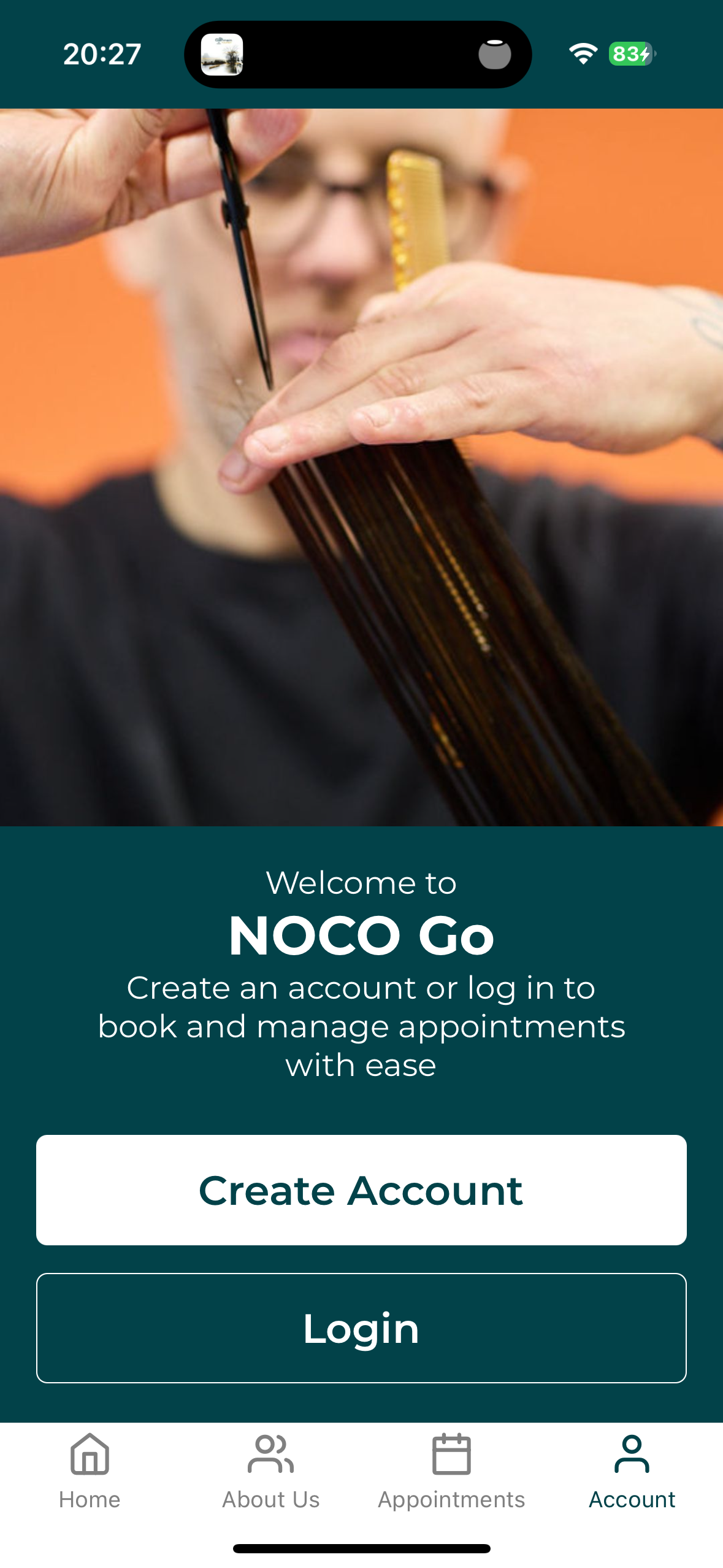
Two doors. Been before? Yours is Login, then Forgot password.
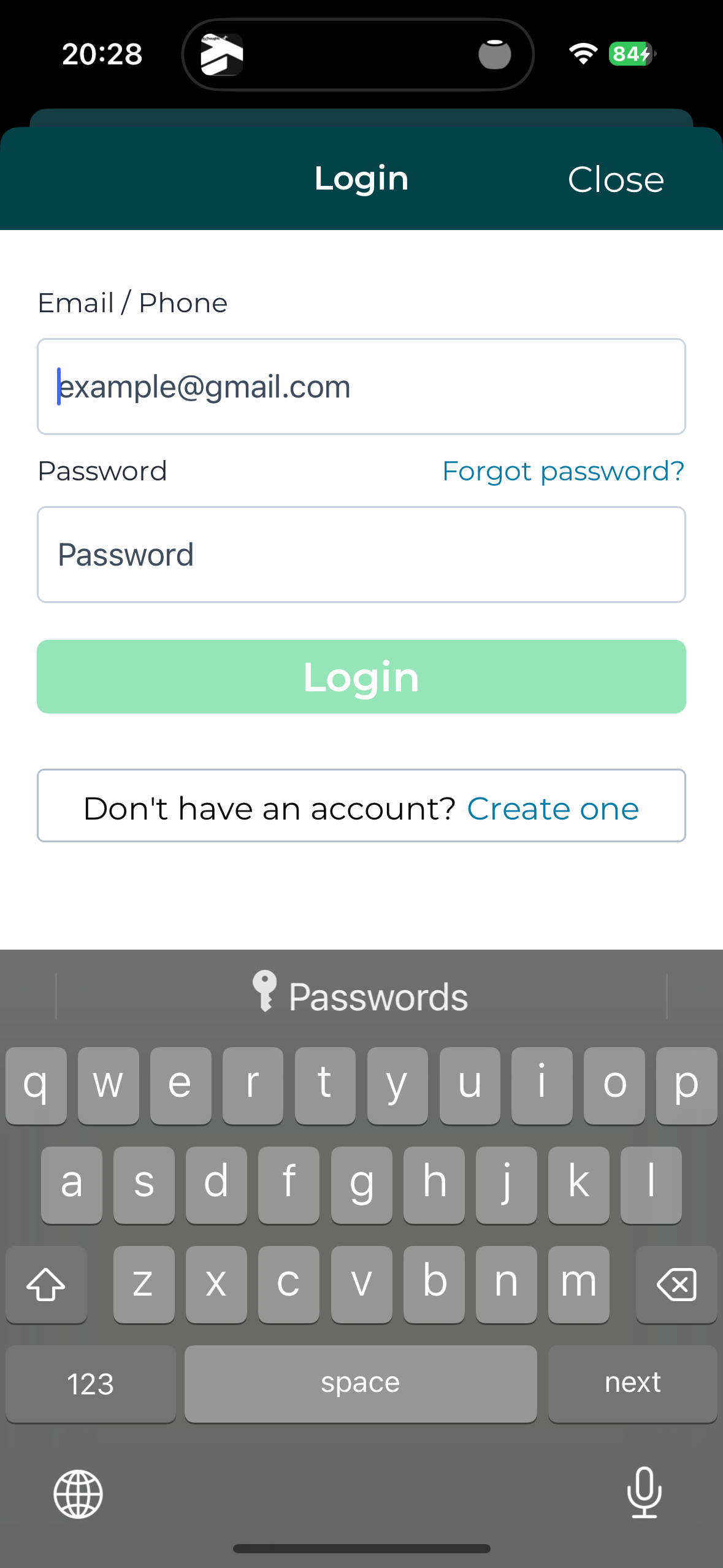
Been before? This is your button.
Step 3. Book your visit
Choose your service, your stylist and your time. Done in under a minute. You can move or check your appointment from the same place whenever you need to.