How to Book Your Hair Appointment with the NOCO Go App
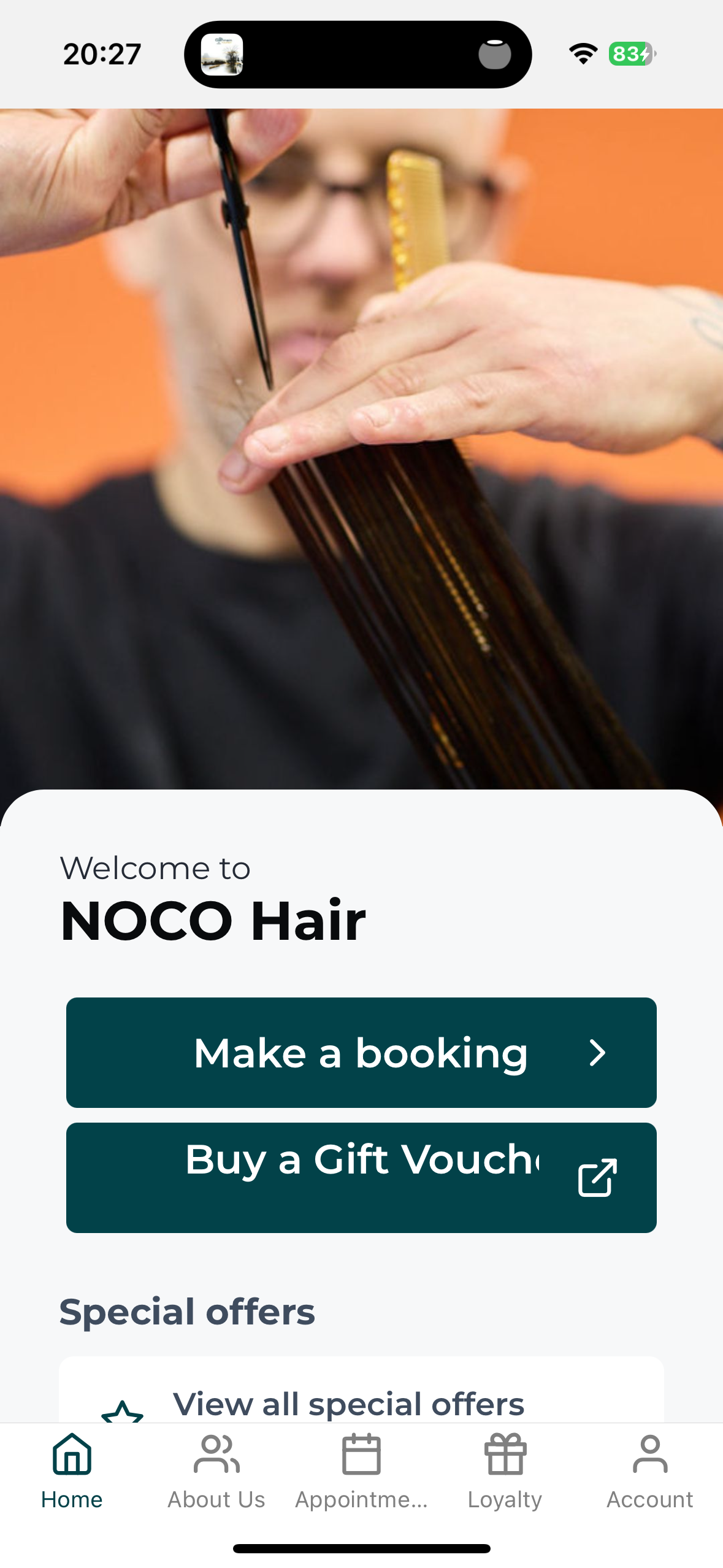
NOCO Go app home screen showing the Make a booking button, NOCO Hair Bristol
Booking Experience  ·  NOCO Hair
How to Book Your Hair Appointment with the NOCO Hair App
Your next appointment is now three taps away. Here is how to get started, including the one step that catches almost everyone out.
NOCO App Booking How To
Download the App

The NOCO Go app, our NOCO Hair booking app, lets you book, move or check your visit whenever it suits you, even at midnight when you suddenly remember. Two minutes of setup and you are away.

Step 1. Download the app

Search NOCO Hair in the App Store or Google Play and look for NOCO Go, or tap this link on your phone and it will take you to the right store automatically: Download the NOCO Go app.

Step 2. Get logged in. This is the bit that matters

Been to NOCO before? Your details are already in our system, so do not create a new account. Tap Forgot password, enter the email we have for you, and set your password. That is it, you are in.

New to NOCO? Tap Create account and you are away.
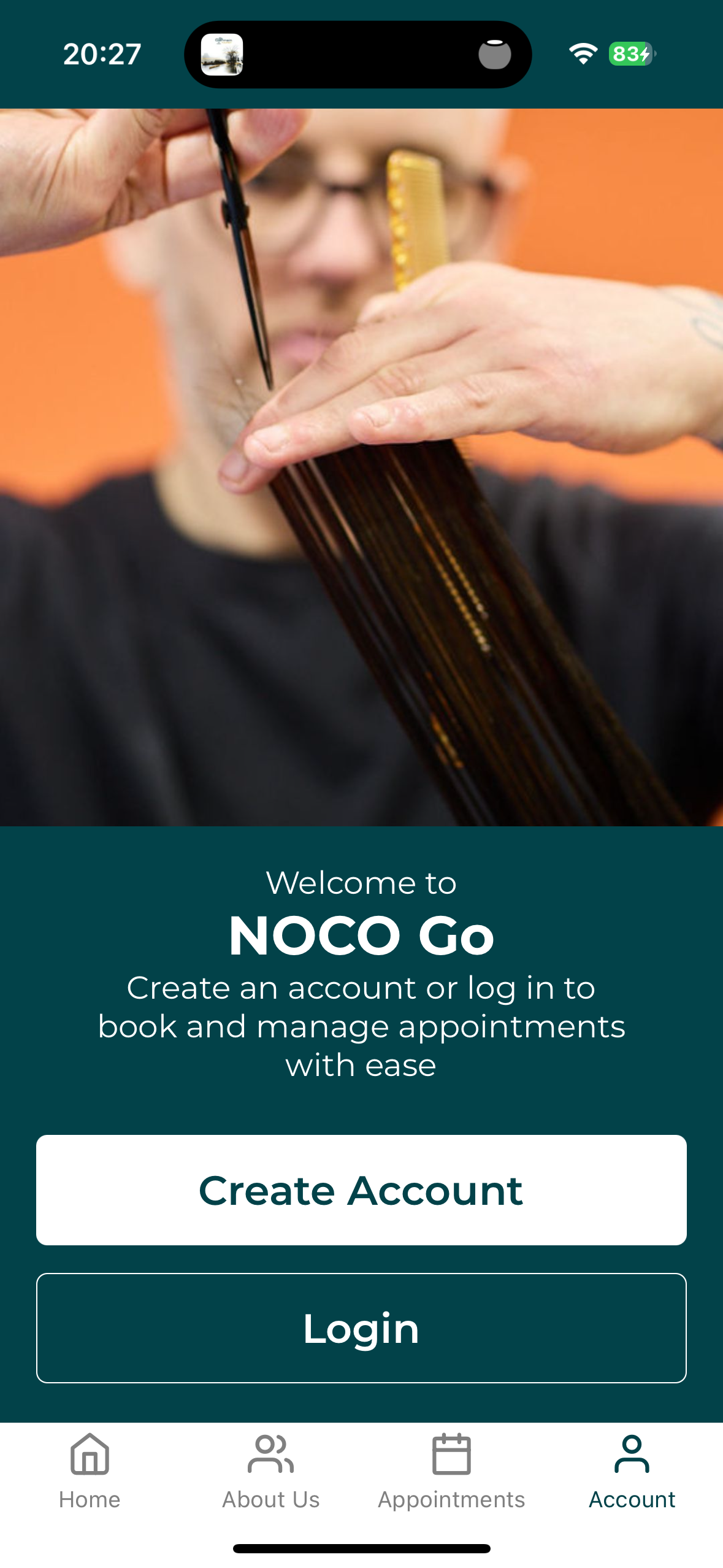
NOCO Go app account screen with Create Account and Login options, NOCO Hair Bristol

Two doors. Been before? Yours is Login, then Forgot password.
The key insight
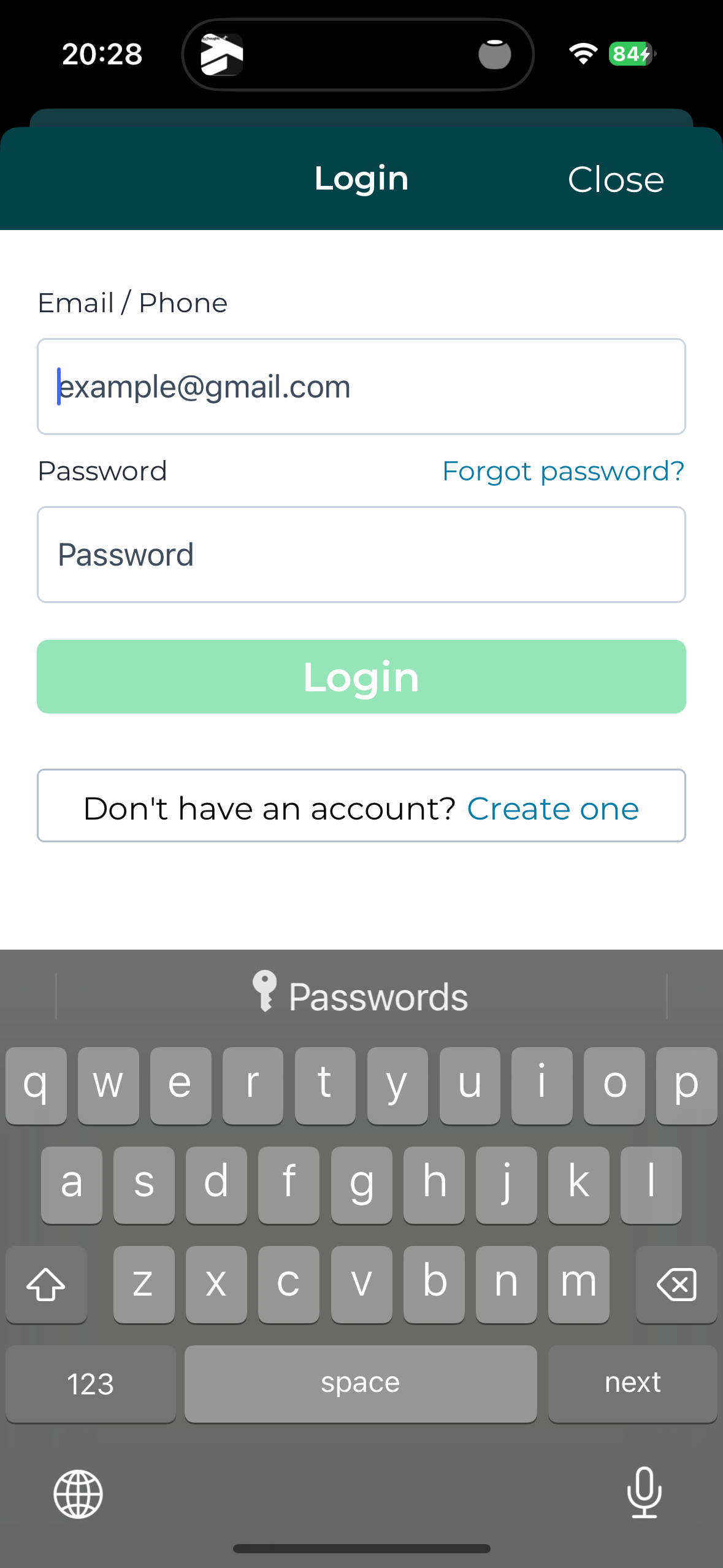
If you have ever had your hair done with us, the app already knows you. Forgot password is not just for forgotten passwords. It is how existing clients set their first one. Creating a new account with an email we already hold will just tell you the email is already registered.
NOCO Go app login screen showing the Forgot password link for existing NOCO Hair clients

Been before? This is your button.

Step 3. Book your visit

Choose your service, your stylist and your time. Done in under a minute. You can move or check your appointment from the same place whenever you need to.
Questions we hear a lot

App questions, answered
Why does it say email already registered when I create an account? That is your clue you are already in our system from a past visit. Go back and use Forgot password instead.
Why does the app say I have no past appointments? We changed our booking system a little while ago, so older appointments may not show in the app. Nothing is lost. Your full history is safe with us in the salon, and every booking you make from now on will show in the app.
I can’t find an appointment time that suits me. Can you help? Yes. Phone the salon. The app cannot show everything, and we can often do something once we talk to you.
I’m stuck logging in. Who do I ask? Reply to any of our emails or phone the salon and we will sort it. A real person, not a chatbot.
“The app is there to make your life easier, not to replace us. If it ever gets in your way, pick up the phone and a human will sort it.”
Noel Halligan  ·  NOCO Hair Bristol
Call Us  ·  0117 403 0998
N
Written by
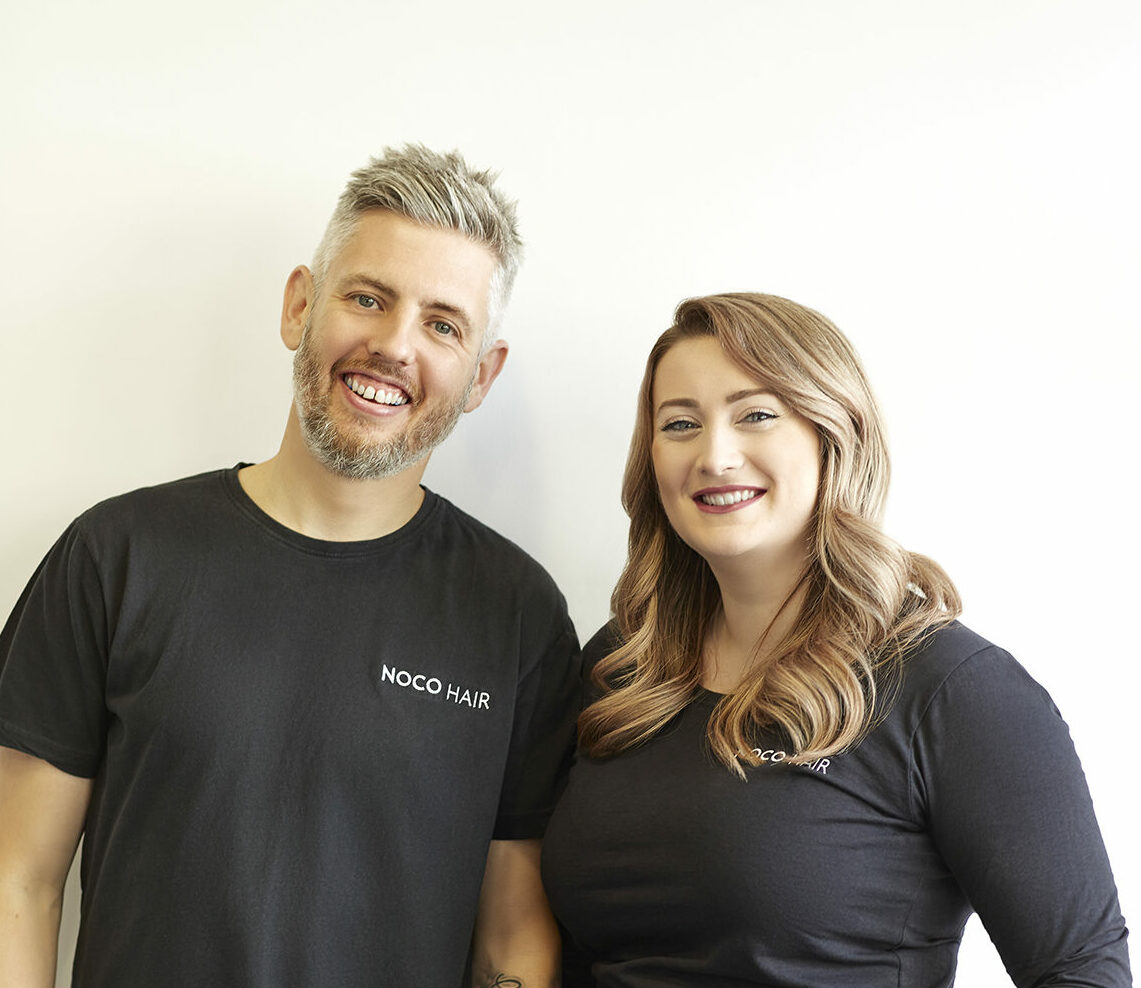
Noel Halligan
Creative Director and Co-founder  ·  NOCO Hair Bristol

Noel Halligan is the Creative Director and co-founder of NOCO Hair in Bristol, with over 20 years behind the chair. He believes great hair starts with understanding, not guesswork, so every client begins with a proper consultation before any scissors or colour come out. His work comes down to one simple idea: better decisions lead to better hair.

Ready to Try It?
Download the NOCO Go app and your next appointment is three taps away. Prefer to talk to a human? Call us on 0117 403 0998 and we will book you in the old fashioned way. Download the App NOCO Hair  ·  147 Whiteladies Road, Clifton, Bristol

Related Content